ReorderableDragHandle
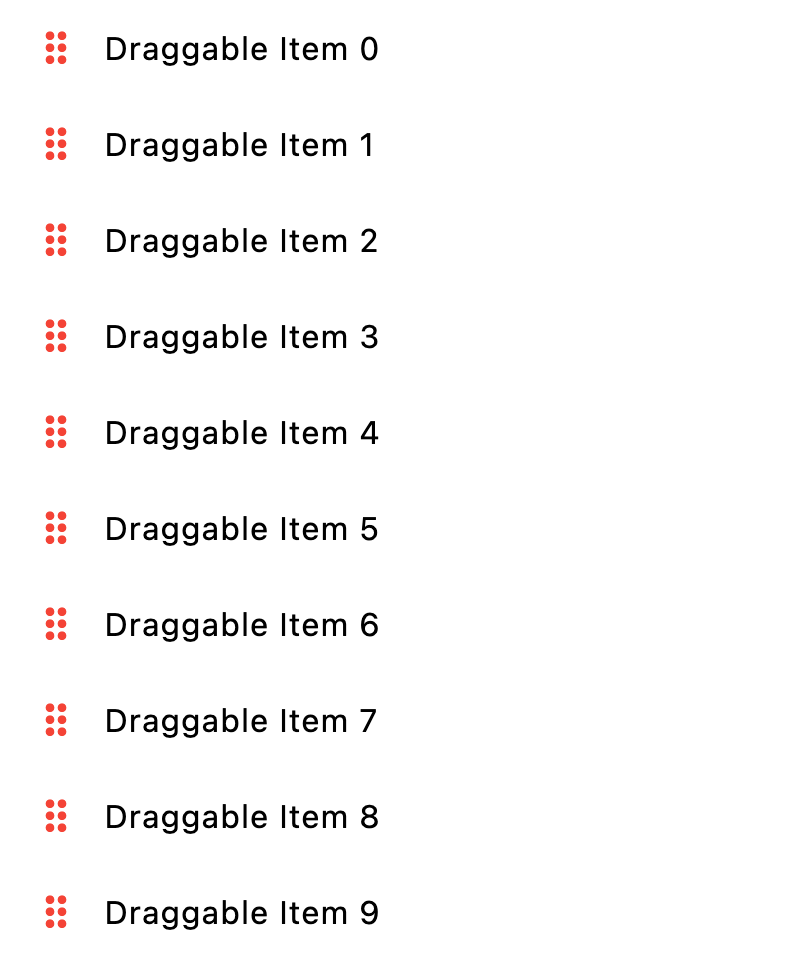
Used to drag an item in a ReorderableListView.
It creates a listener for a drag immediately following a pointer down
event over the given content control.
Example:
ft.ReorderableListView(
    show_default_drag_handles=False,
    controls=[
        ft.ListTile(
            title=ft.Text(f"Draggable Item {i}", color=ft.Colors.BLACK),
            leading=ft.ReorderableDragHandle(
                content=ft.Icon(ft.Icons.DRAG_INDICATOR, color=ft.Colors.RED),
                mouse_cursor=ft.MouseCursor.GRAB,
            ),
        )
        for i in range(10)
    ],
)
Inherits: LayoutControl, AdaptiveControl
Properties
content- The control for which the application would like to respond to a tap and drag gesture by starting a reordering drag on a reorderable list.mouse_cursor- The mouse cursor for mouse pointers that are hovering over the control.
Examples
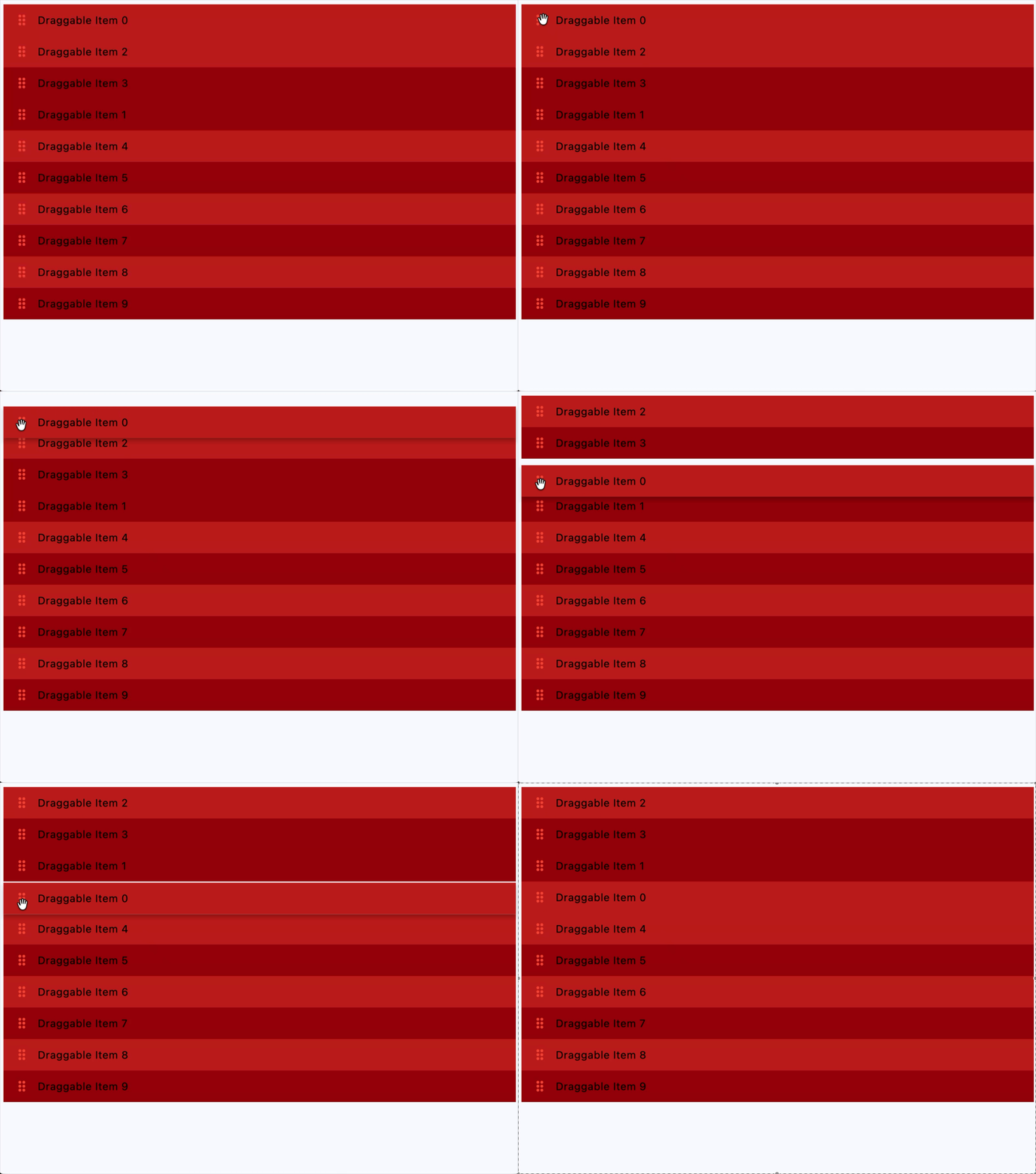
Custom drag handle
play_arrowTry Online
import flet as ft


def main(page: ft.Page):
    def on_reorder(e: ft.OnReorderEvent):
        # Reorder controls list to match the UI change
        e.control.controls.insert(e.new_index, e.control.controls.pop(e.old_index))

    page.add(
        ft.SafeArea(
            content=ft.ReorderableListView(
                expand=True,
                show_default_drag_handles=False,
                on_reorder=on_reorder,
                controls=[
                    ft.ListTile(
                        title=ft.Text(f"Draggable Item {i}", color=ft.Colors.BLACK),
                        leading=ft.ReorderableDragHandle(
                            key=f"drag_handle_{i}",
                            content=ft.Icon(
                                ft.Icons.DRAG_INDICATOR, color=ft.Colors.RED
                            ),
                            mouse_cursor=ft.MouseCursor.GRAB,
                        ),
                        bgcolor=ft.Colors.ERROR
                        if i % 2 == 0
                        else ft.Colors.ON_ERROR_CONTAINER,
                    )
                    for i in range(10)
                ],
            )
        )
    )


if __name__ == "__main__":
    ft.run(main)
Properties
contentinstance-attribute
content: ControlThe control for which the application would like to respond to a tap and drag gesture by starting a reordering drag on a reorderable list.
Raises:
- ValueError - If it is not visible.
mouse_cursorclass-attributeinstance-attribute
mouse_cursor: MouseCursor | None = NoneThe mouse cursor for mouse pointers that are hovering over the control.